
10 Secrets to “Google My Business Profile" for Best Results
Introduction
In today’s digital world, “Google My Business (GMB)” has become a lifeline for local business owners. Whether you run a salon, coaching institute, medical store, or service center, appearing on “Google Maps and local search” is the fastest way to attract nearby customers. Here I will give you ’10 Secrets to “Google My Business Profile” for Best Results.’ Google maps help customers to reach directly to the shop where they want to go. So it’s mandatory for every business in India in 2025.
Table of Contents
ToggleHowever, most small businesses in “Tier-2 cities of India” like Jaipur, Indore, Lucknow, Coimbatore, and Surat still don’t fully utilize the power of “Google My Business”. They either don’t verify their listing or fail to optimize it properly — which means losing potential customers every single day. There is also a problem with shopkeepers that they don’t believe in online presence due to the mentality of their traditional business practices as their ancestors did. But the new digital edge is totally different from that time so if they stuck with old business strategy then they are trying to quit their business in near future.
In this blog, we’ll learn step-by-step “10 Secrets to “Google My Business Profile” for Best Results” and how to improve your “local SEO ranking” and attract more walk-in and online customers.
1. Why Google My Business Matters for Tier-2 Cities
In Tier-1 cities, competition is high and ads are expensive. But in “Tier-2 and Tier-3 cities”, most local shops still depend on word-of-mouth and offline marketing. That’s your opportunity!
When someone nearby searches for “best interior designer near me”or “LIC advisor in Noida”, Google shows “GMB profiles” with complete information, reviews, and photos. Which helps customers to identify the required shop and get trustworthy confidence for directly connecting with the shopkeeper via phone or visiting their official websites or whatsapp. These are the latest tools to collect leads. 10 Secrets to “Google My Business Profile” for Best Results blog will help you to rank your profile by self.
By “optimizing your GMB profile” correctly, you can:
- Appear in “Google Map Pack” (top 3 local results)
- Gain trust through “ratings and reviews”
- Drive “free traffic” without running ads
- Convert “local searchers into real customers”
So, if you want to grow your visibility and credibility in your city, “Google My Business optimization” is a must.
2. Claim and Verify Your “Google My Business Listing”
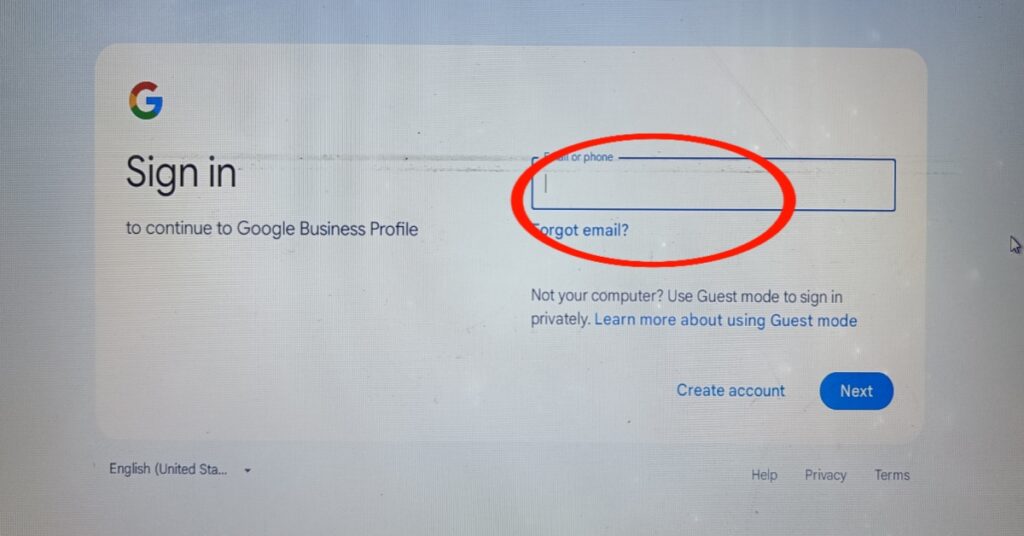
Before optimization, ensure your GMB listing is claimed and verified.
- Steps to Verify:
- Visit [Google My Business] ( https://www.google.com/business/ ).
- Sign in with your Gmail account.
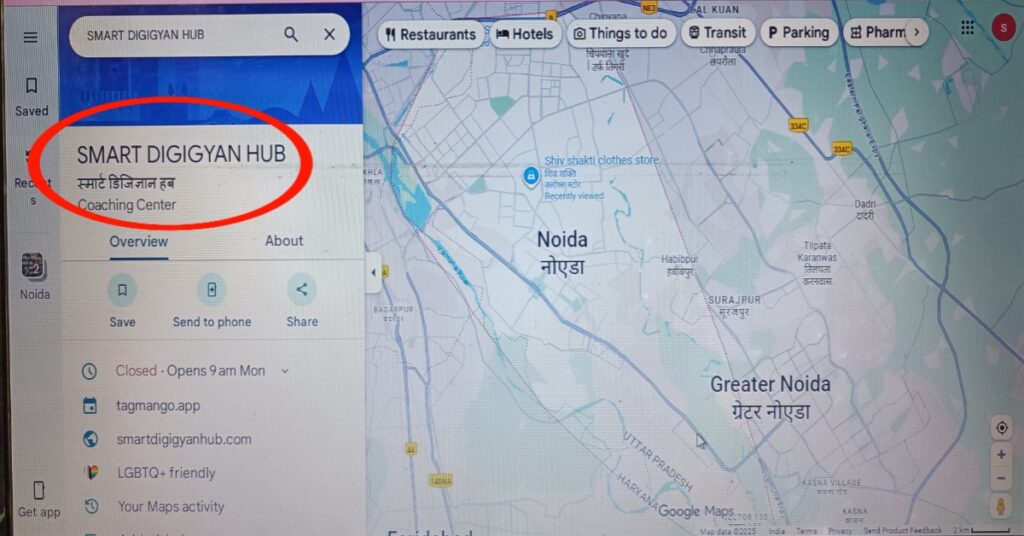
- Search your business name.
- If not listed, click “Add your business to Google”.
- Enter accurate details like Business Name, Category, Address, Phone, and Website.
- Request verification — usually done via postcard, call, or email.
✅ Pro Tip:
Always use your “official business name” (not stuffed with keywords) and exact address, as shown on your visiting card or shop board.
3. Optimize Your Business Information for Local SEO
Once verified, focus on completing every section inside your “GMB dashboard”.
Key Optimization Areas:
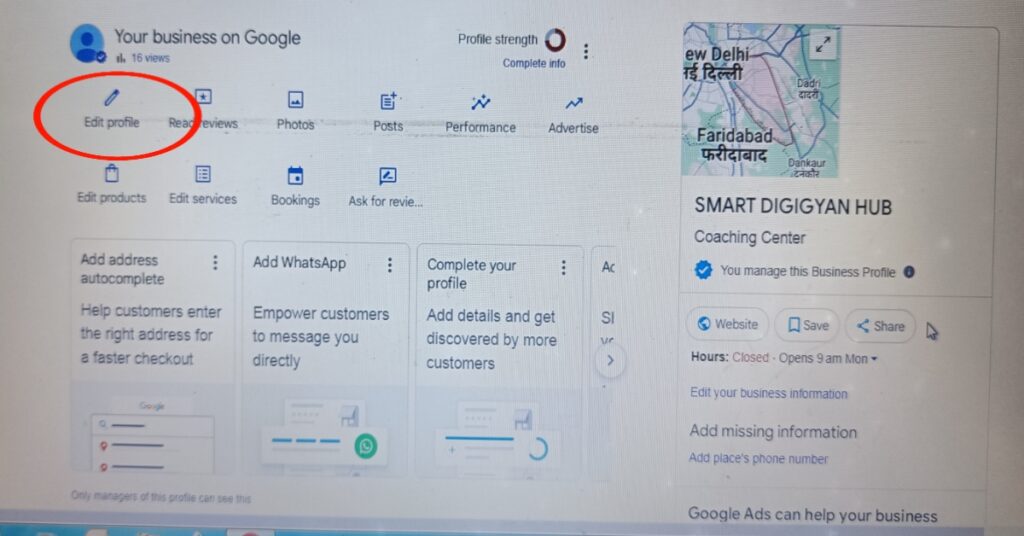
Business Name: Keep it clean. Example: “Smart DigiGyan Hub – Digital Marketing Training Institute”.
Category: Choose the most relevant category (e.g., “Digital Marketing Service”, “Insurance Agency”, “Interior Designer”).
Description: Write a clear, keyword-rich business description using natural language. Learn 10 Secrets to Google My Business Profile for Best Results.
Example: “Smart DigiGyan Hub is a leading digital marketing institute in Noida, helping small businesses in Tier-2 cities create websites, run social media ads, and build online visibility through Google My Business optimization.”
- Business Hours: Add correct timings — including holiday hours.
- Phone Number: Use your “local number” (with area code) instead of toll-free numbers.
- Website & Appointment Link: Add your website and WhatsApp/booking link.
This helps Google understand your business better and improves your “local ranking”. Best 10 Secrets to Google My Business Profile for Best Results helps a lot.
4. Use the “Right Keywords Naturally”
When writing your “business description, posts, and services”, use location-based keywords naturally.
Don’t stuff them — Google prefers readability.
“High-performing keyword examples for Tier-2 GMB optimization”:
- 10 Secrets to “Google My Business Profile” for Best Results
- Google My Business optimization for Tier-2 cities
- Local SEO in India
- GMB ranking tips for small business
- Google Maps marketing India
- How to get more GMB reviews
- Local business SEO for Tier-2 India
Add these phrases where they fit naturally in your content, posts, and service listings.
5. Add High-Quality Photos and Videos
Visual content boosts engagement and trust.
- Upload “interior & exterior photos” of your shop, office, or workspace.
- Add “team and product photos” regularly.
- Use “short videos” (10–30 seconds) showing your services or testimonials.
💡 Pro Tip:
Use local file names for images, e.g. “digital-marketing-class-in-Noida.jpg” — this helps in “image SEO”.
6. Post “Regular Updates on Google My Business”
Google treats active profiles as more trustworthy.
You can post weekly updates about:
- New offers or discounts
- New product launches
- Events or webinars
- Success stories or reviews
Example post:
“Smart DigiGyan Hub launches a new course on website design for small business owners in Noida. Enrol today to learn how to build your own digital presence!”
Register For Free Webinar:
Get digital marketing free course and put your link under the button for registration like this. 👉 These updates appear on Google Search and Maps, driving more engagement. The article on 10 Secrets to Google My Business Profile for Best Results is very helpful till now.
7. Collect and Respond to Customer Reviews
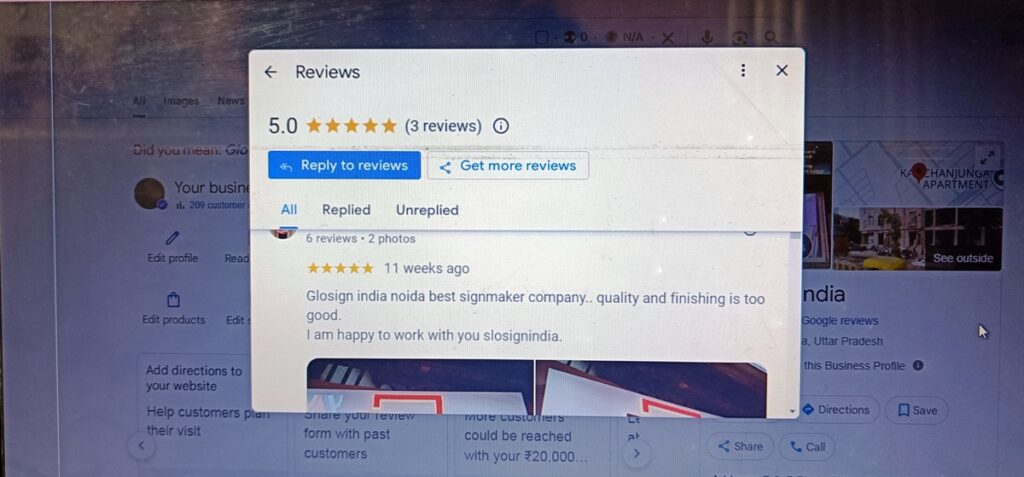
Reviews play a big role in “local ranking” and conversion.
Ask satisfied customers to post genuine feedback like:
“The best digital marketing course in Noida – highly recommended!”
Tips:
* Request reviews via WhatsApp or SMS using your “short GMB link”.
* Reply to every review — good or bad — politely.
* Avoid fake reviews (Google can detect them).
More “positive, recent, and location-specific reviews” help you rank faster.
8. Use Google Q&A and Messaging
Enable the “Q&A” feature so people can ask questions directly on your listing.
Also, turn on “messaging” to chat instantly with potential customers.
Be responsive — fast replies signal Google that your business is active and trustworthy.
9. Track Insights and Improve
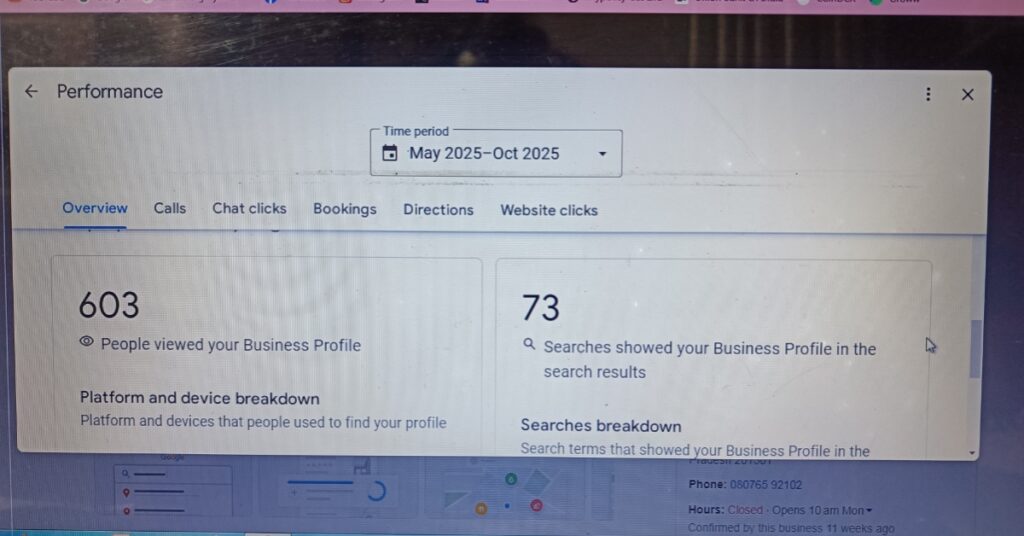
Inside your GMB dashboard, check “Insights” to analyze:
* How people found your business (direct vs discovery)
* Where they saw your listing (maps vs search)
* What actions they took (calls, directions, website clicks)
Use this data to improve your “local SEO strategy”.
For example:
* If more users find you via “maps,” focus on better photos and reviews.
* If search views are low, update your business description and keywords.
10. Bonus: Link Google My Business with Other Platforms
To get even better visibility in Tier-2 cities:
* Connect your GMB with your “website, Facebook page, and Instagram profile”.
* Add the “same NAP (Name, Address, Phone)” details everywhere.
* Embed your “Google Map location” on your website’s contact page.
This consistency helps Google build trust and rank your business higher in local results.
Conclusion
Optimizing your “Google My Business profile’ is the easiest and most powerful way to build your online presence in “Tier-2 cities of India”. You don’t need huge budgets or advanced tools — just consistency, authenticity, and smart optimization.
Start today:
* Verify your listing
* Complete every detail
* Post weekly updates
* Collect customer reviews
* Monitor your insights
If you want to make your personal brand then you can read our blog “How to build Personal brand online”.
Within a few weeks, you’ll notice improved visibility on “Google Maps and local searches”, bringing you more leads, customers, and growth — all “Organically”.
You might be interested in AI features to create images for your blog or social media profiles. Click the button below for “Nano Banana AI flash version” Post reading.
अगर आप इन सबके लिए तैयार हैं, डिजिटल मार्केटिंग Basics को समझने के लिए उत्सुक हैं तो मैं आपको मेरे Free Webinar के लिए Invite कर रहा हूँ जहां मैं आपको यह सब Practically सिखाऊँगा।
मैं आपसे मेरे 90 Minute के Digital Marketing Masterclass में मिलूँगा।